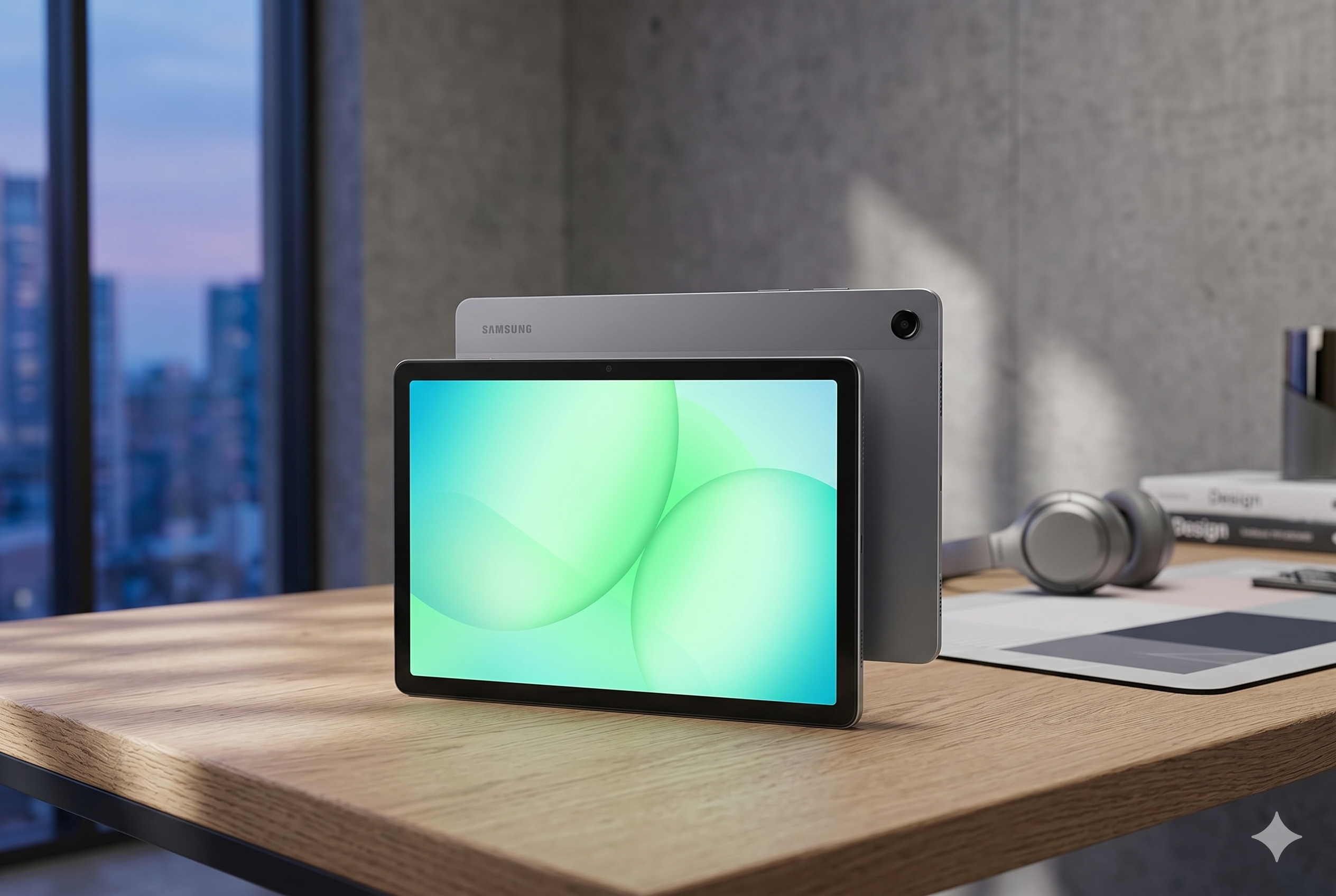
In the world of high-end tablets, there is large, and then there is the Samsung Galaxy Tab S10 Ultra. With a massive 14.6-inch screen, it blurs the line between a portable slate and a full-blown laptop. But for an investment this significant, you need to know if it’s truly a powerhouse for productivity or just an oversized screen for watching movies.
Today, we’re checking the facts on this AI-ready flagship to see if it delivers a winning verdict for your workflow.
Check Price on Amazon
Technical Discovery
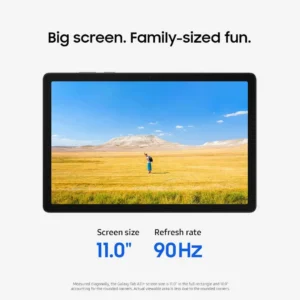
The standout feature is, without a doubt, the 14.6-inch Dynamic AMOLED 2X display. It’s not just big; it’s engineered with a new anti-reflective coating that significantly cuts down on glare compared to previous models. This makes it a much more viable tool for working in bright offices or near windows.
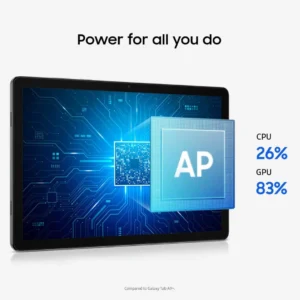
Under the hood, Samsung has made a strategic shift to the MediaTek Dimensity 9300+ processor. This chip is specifically optimized for Galaxy AI features, providing a roughly 18% boost in CPU speed and a 28% jump in graphics performance over its predecessor. This power is funneled into new tools like Note Assist, which can record a meeting and automatically transcribe and summarize the audio for you, and Sketch to Image, which turns rough S Pen doodles into polished artwork.
The Performance Trial
To see how a tablet this size handles a daily grind, we looked at how it manages multitasking and creative tasks:
- Multitasking Mastery: Because the screen is so large, using the “Split View” actually feels practical. You can have a video call open on one side, a web browser on the other, and still have room for a floating notes window without everything feeling cramped.
- S Pen Precision: The included S Pen remains one of the lowest-latency styluses on the market. Whether you’re signing documents or digital painting, the response is near-instant, feeling more like pen-on-paper than plastic-on-glass.
- Gaming and Cooling: With the upgraded GPU and a larger internal vapor chamber cooling system, the Tab S10 Ultra handles high-end mobile games and 4K video editing without the “throttling” or heat build-up common in thinner tablets.
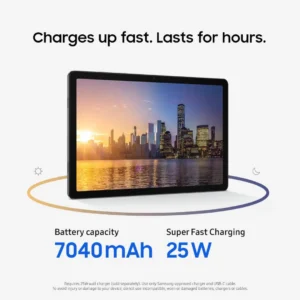
- Battery Endurance: The 11,200 mAh battery is massive, but so is the screen it has to power. In real-world use, you can expect a full day of mixed work, though heavy AI use or maximum brightness will drain it faster.
The Hardware Inspection
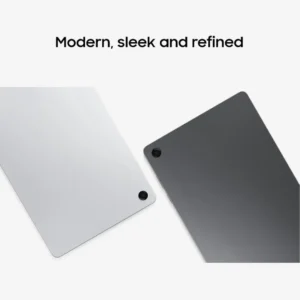
Despite its sprawling dimensions, the Tab S10 Ultra is incredibly thin at just 5.4mm. However, thinness usually implies fragility, which is why Samsung used Enhanced Armor Aluminum for the frame. It feels remarkably rigid and doesn’t flex when you hold it by one corner.
It also retains its IP68 rating, making it one of the only premium tablets on the market that is fully dust and water-resistant. You can effectively work by the pool or in a kitchen without worrying about accidental splashes. The quad-speaker setup, tuned by AKG, provides a deep, immersive soundstage that easily fills a room, making it an elite device for media consumption when the workday is over.
The Ecosystem
The Tab S10 Ultra is designed to be the “hub” of a wider setup.
- Second Screen: You can wirelessly connect the tablet to a Windows PC to use it as a portable second monitor, complete with touch and S Pen support.
- Galaxy AI Key: If you purchase the official Book Cover Keyboard, there is now a dedicated AI key that lets you summon your assistant or search tools with a single tap, much like a modern AI-powered laptop.
- Expandable Storage: Unlike many competitors that charge hundreds of dollars for more space, the Tab S10 Ultra still features a microSD slot (supporting up to 1.5TB), allowing you to carry your entire library of files without relying on the cloud.
Comparison: Tab S10 Ultra versus the iPad Pro
How does it stack up against the other big name in the industry?
- Screen Aspect Ratio: The Samsung’s 16:10 ratio is much better for movies and side-by-side multitasking, whereas the iPad’s squarer 4:3 ratio is often preferred for document reading.
- Included Value: The S Pen comes in the box with the Samsung. With the iPad, the Apple Pencil is a separate, expensive purchase.
- File Management: Android’s file system on the Tab S10 Ultra feels much more like a “real computer,” making it easier to move files from external drives or SD cards compared to the more locked-down iPadOS.
Our Verdict
The Samsung Galaxy Tab S10 Ultra is a specialized tool for people who want the absolute maximum screen real estate and the smartest AI features available in a tablet. It is a premium, powerful device that excels at digital art, heavy multitasking, and immersive entertainment.
While its size makes it less portable than a standard tablet, it compensates by offering a level of capability that can genuinely replace a laptop for many users.
Check this product and more on Amazon.